Free Seo Audit Tools: Find free seo audit tools for your site
In today's competitive marketplace, understanding your website's performance is not just an advantage; it's a necessity. A thorough SEO audit reveals critical insights into your site's health, from technical issues hindering search engine crawlers to on-page elements that fail to engage users. While premium tools offer extensive features, a wealth of powerful, free SEO audit tools can provide the data you need to make significant improvements without any initial investment.
This guide is designed for UK businesses and marketing agencies looking to leverage these no-cost resources effectively. Forget guesswork; it's time to build a data-driven strategy that delivers tangible results, starting today. We will explore the best tools available, categorising them by their primary function: technical SEO, on-page optimisation, performance analysis, and backlink auditing.
Each entry includes a direct link, screenshots, and an honest assessment of its strengths and limitations, helping you choose the right tool for specific tasks. We'll detail how platforms like Google Search Console , Ahrefs Webmaster Tools , and the free version of Screaming Frog can be integrated into a cohesive workflow. This resource moves beyond simple feature lists, offering practical advice and real-world use cases to help you diagnose and fix critical SEO problems. By combining the capabilities of different free tools, you can create a comprehensive audit process that rivals many paid solutions. For an even broader selection of complimentary analysis options, explore resources discussing additional free website audit tools available. This guide provides the foundation you need to start improving your site's visibility and performance immediately.
1. Ahrefs Webmaster Tools (AWT)
Ahrefs Webmaster Tools (AWT) offers a powerful suite of SEO diagnostics, essentially providing free access to the core features of its acclaimed paid platform for websites you own. This is not just a one-off report; it’s a comprehensive, ongoing monitoring system. By verifying your domain, you unlock the ability to perform regular, in-depth technical audits and analyse your site’s backlink profile and keyword rankings using Ahrefs' industry-leading data.
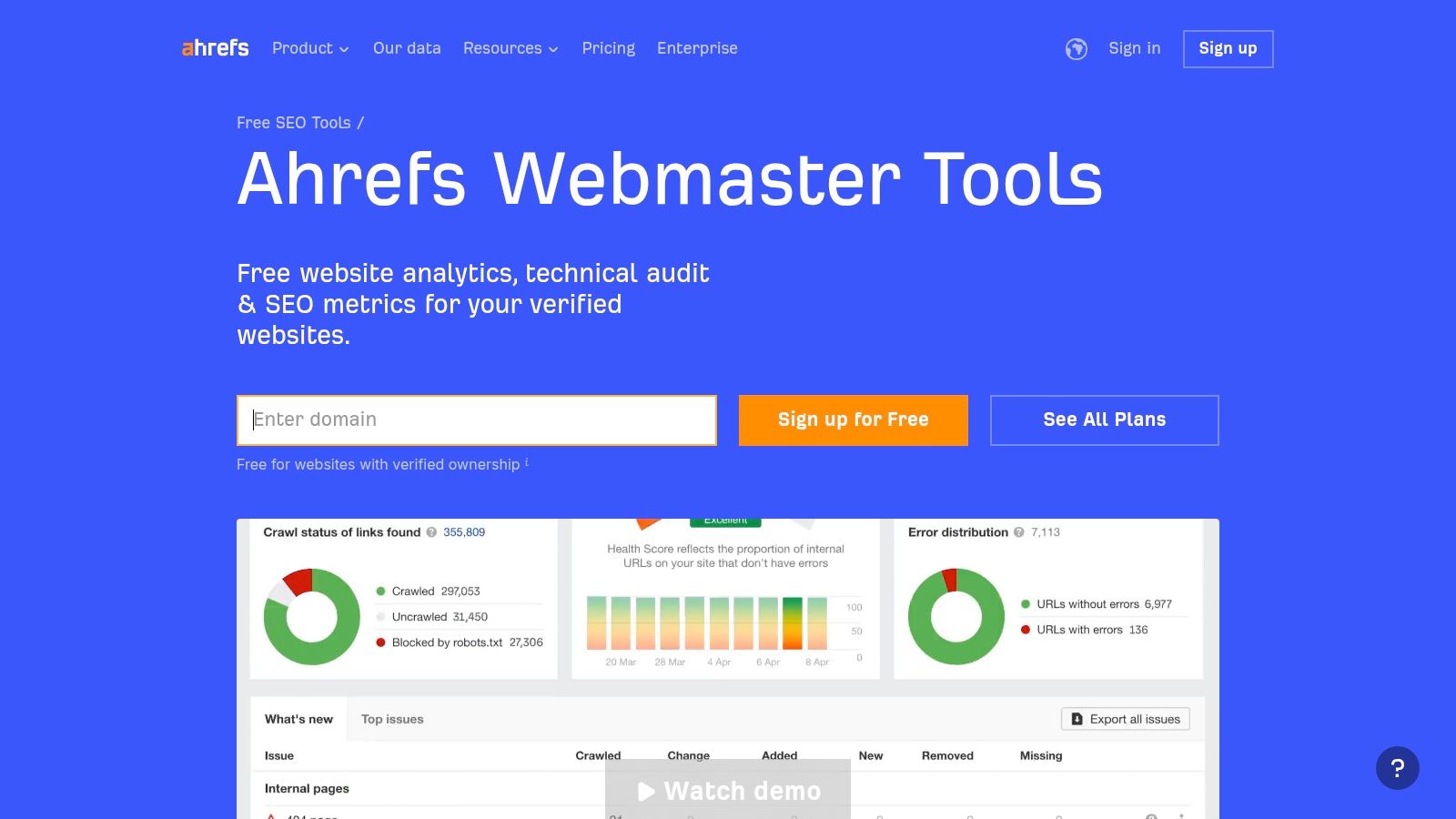
What makes AWT a standout among free SEO audit tools is the sheer quality and depth of its data, combined with a user-friendly interface that clearly explains complex issues. It moves beyond basic checks, offering actionable advice that helps businesses and agencies improve their site health and organic visibility. This level of insight is invaluable for developing a robust strategy to improve Google search rankings in the UK.
Key Features & Limitations
| Feature | Details | Limitations |
|---|---|---|
| Site Audit | Checks for 170+ technical and on-page SEO issues, providing a clear "Health Score". | Capped at 5,000 crawl credits per project, per month. |
| Site Explorer | Provides backlink data, organic keyword rankings, and traffic estimations. | Only available for verified domains you own or manage. |
| Ongoing Monitoring | Allows for scheduled weekly, bi-weekly, or monthly crawls with email alerts. | No competitor analysis features are included in the free tier. |
Best-Use Scenario
AWT is ideal for website owners, from startups to established businesses, who need a reliable system for continuous site health monitoring and foundational backlink analysis without any financial outlay. It serves as an excellent starting point before investing in a full scale SEO platform.
Website: https://ahrefs.com/webmaster-tools
2. Google Search Console
Google Search Console is the foundational tool for any SEO audit, providing authoritative, direct data from Google itself. It's less of a crawler and more of a diagnostic platform, offering unparalleled insights into how Google perceives and indexes your website. By verifying your property, you gain access to critical performance metrics, indexing status, and direct notifications about issues impacting your visibility in search results.
What makes Search Console an essential item on any list of free SEO audit tools is its unique position as the source of truth. While other tools estimate traffic and identify potential issues, Search Console provides concrete data on user queries, click-through rates, impressions, and average positions. To begin leveraging this vital platform, refer to a definitive guide on how to set up Google Search Console. This direct line to Google is invaluable for validating technical fixes and understanding real-world search performance.
Key Features & Limitations
| Feature | Details | Limitations |
|---|---|---|
| Performance Reports | Shows clicks, impressions, CTR, and average position for queries, pages, and countries. | Data is limited to the last 16 months and may be anonymised or sampled for privacy. |
| URL Inspection Tool | Provides detailed index status, mobile usability, and structured data information for any URL on your site. | Limited to real time checks and does not perform a full site crawl on demand. |
| Coverage Reports | Details which pages are indexed, excluded, or have errors, with reasons for each status. | Reporting can sometimes have a delay of a few days, so it is not always instantaneous. |
Best-Use Scenario
Google Search Console is indispensable for every website owner, from bloggers to large e-commerce sites. It is the primary tool for monitoring your site's health in Google's index, diagnosing indexing problems, and understanding the organic search performance of your content directly from the source.
3. Bing Webmaster Tools (including Site Scan)
Microsoft's Bing Webmaster Tools is a comprehensive, free diagnostics suite that offers an essential second perspective to Google's ecosystem. Its on-demand Site Scan feature acts as a powerful technical SEO audit tool, crawling your verified site to identify common issues like missing meta descriptions, slow page speeds, and missing alt text. This is not just a Bing-specific utility; the insights are universally applicable to improve overall site health and user experience.
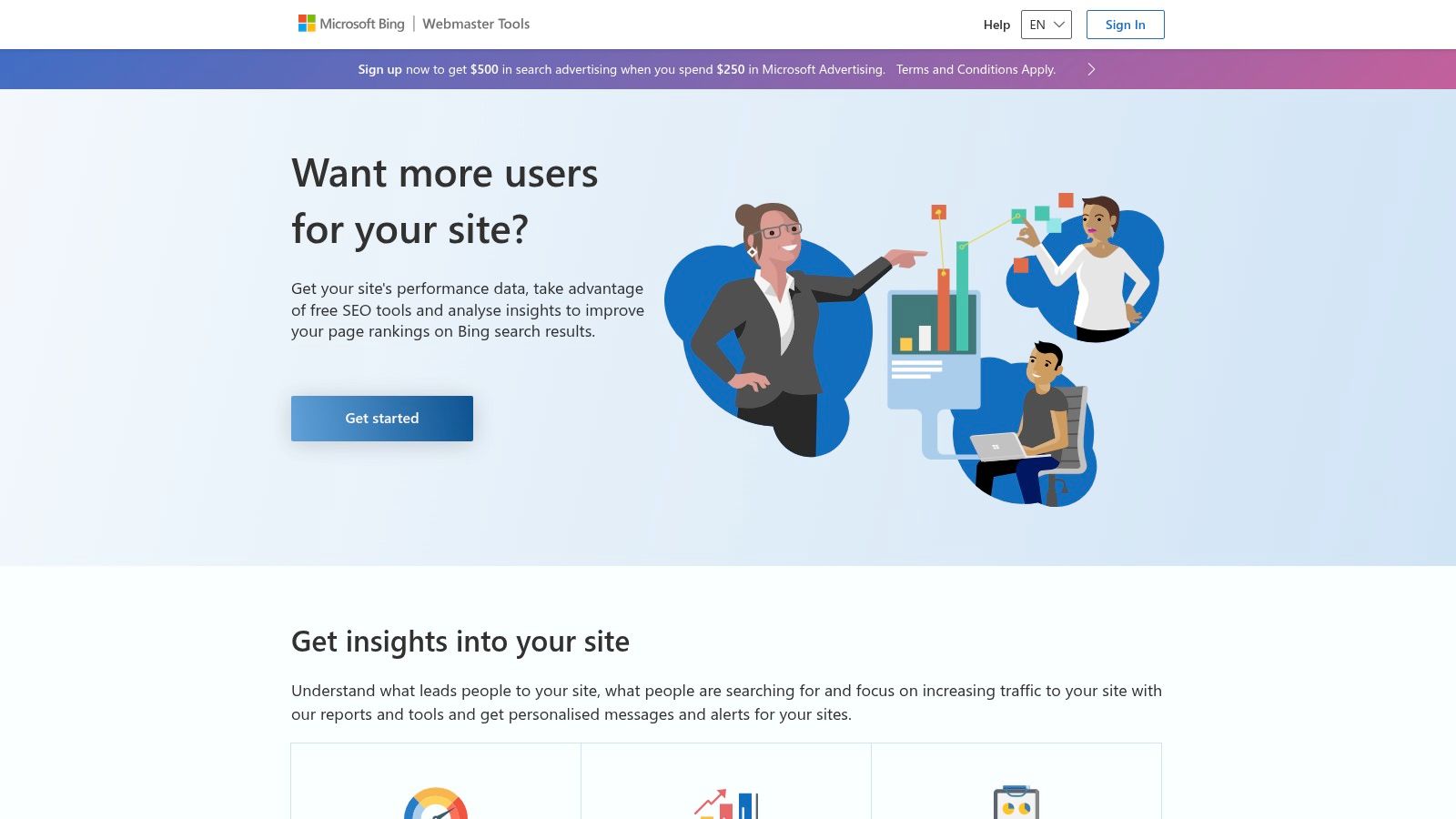
What makes Bing Webmaster Tools a unique addition to this list of free SEO audit tools is its ability to provide a valuable, alternative dataset. While Google Search Console is indispensable, Bing's crawler may notice different issues or present data in a way that uncovers new optimisation opportunities. Its straightforward interface and actionable reports make it an invaluable, no-cost resource for any business aiming for broad search engine visibility.
Key Features & Limitations
| Feature | Details | Limitations |
|---|---|---|
| Site Scan | On-demand technical SEO audit tool that checks for over a dozen common issues. | Scans must be initiated manually; they are not automatically scheduled. |
| Site Explorer & Backlinks | Allows you to explore how Bing sees your site structure and analyse your backlink profile. | Data is specific to Bing's index, which can differ significantly from Google's. |
| URL Inspection & SEO Analyser | Provides detailed analysis of individual URLs, checking for SEO best practices. | The interface and terminology require some adaptation if you are used to Google's tools. |
Best-Use Scenario
This tool is perfect for any website owner or agency seeking a robust, free second opinion on their technical SEO. It is particularly useful for identifying issues that Google Search Console might not flag, providing a more holistic view of site health and ensuring your website is well optimised for all major search engines, not just Google.
Website: https://www.bing.com/webmasters
4. Screaming Frog SEO Spider (Free version)
Screaming Frog SEO Spider is a powerful and highly respected desktop-based website crawler, serving as a foundational tool for technical SEO professionals worldwide. Instead of a cloud-based report, it runs locally on your computer, giving you direct and granular control over the crawling process. By simply entering a URL, you can crawl up to 500 pages of a website to uncover a wealth of technical and on-page SEO data.
What makes Screaming Frog an indispensable part of any list of free SEO audit tools is its speed, precision, and the sheer depth of data it provides without requiring any sign-up or verification. It excels at quickly identifying common but critical issues like broken links, redirect chains, and duplicate content. This level of immediate, detailed insight is crucial for performing effective technical SEO audits, as outlined in guides on mastering technical SEO audits.
Key Features & Limitations
| Feature | Details | Limitations |
|---|---|---|
| Technical SEO Crawling | Identifies broken links (404s), server errors, redirects, and analyses page titles and meta descriptions. | Crawl is limited to 500 URLs per website. |
| Local Desktop App | Runs directly on your machine (PC, Mac, or Linux), offering fast performance and no need for an online account. | Performance is dependent on your computer's memory and processing power. |
| Data Export | Allows you to export any data set, such as crawl overviews or specific issues like missing H1 tags, to CSV files. | Advanced features like JavaScript rendering, Google Analytics integration, and structured data validation are paid features. |
Best-Use Scenario
The free version of Screaming Frog is perfect for SEO practitioners, web developers, and small business owners needing to conduct quick, focused technical audits on smaller websites or specific sections of larger ones. It is the go-to tool for rapid fire checks before a site migration or when diagnosing specific on-page issues.
5. Semrush SEO Checker and Free Plan
Semrush offers a highly accessible entry point into SEO analysis with its instant SEO Checker and a perpetually free account tier. While known for its comprehensive paid suite, its free offerings provide a valuable snapshot of a website's health, breaking down complex technical issues into a straightforward, actionable to-do list. This makes it an excellent diagnostic tool for those beginning their SEO journey or needing a quick on-page check up.
What sets Semrush's free tools apart is their user-friendly interface and clear categorisation of issues by severity. The platform doesn't just flag problems; it explains why they matter and how to fix them, providing immediate educational value. This clarity helps businesses prioritise their efforts effectively, focusing on fixes that can deliver the most impact on their site's authority and search performance. Understanding these elements is key, as explained in our guide to the impact of domain authority on search rankings.
Key Features & Limitations
| Feature | Details | Limitations |
|---|---|---|
| Site Audit | The free plan allows one project with a site audit, checking for 140+ technical and on-page issues. | Capped at 100 pages crawled per audit, per month. |
| Instant SEO Checker | Provides a quick, on-demand analysis of a single URL or an entire domain with an overview report. | Offers a high level summary without the deep, crawl-based data of the full Site Audit. |
| Issue Prioritisation | Issues are clearly organised into "Errors," "Warnings," and "Notices" to guide your focus. | Advanced checks, such as those for JavaScript rendering, are reserved for paid plans. |
Best-Use Scenario
Semrush's free plan is perfectly suited for small business owners, bloggers, or marketing managers who need a quick, easy-to-understand health check for a small website. It is ideal for identifying foundational on-page and technical SEO errors without the complexity or cost of a full featured tool.
Website: https://www.semrush.com/siteaudit
6. Ubersuggest
Ubersuggest, developed by marketer Neil Patel, offers a suite of SEO tools packaged in a highly accessible interface. Its free plan includes a site audit feature that crawls your website and presents a prioritised list of SEO issues, making it easy for beginners to identify and tackle the most critical problems first. The tool simplifies complex data into straightforward recommendations, ideal for those new to technical SEO.
What makes Ubersuggest a noteworthy entry among free SEO audit tools is its user-friendly approach and the inclusion of weekly re-crawls, even on the free tier. This feature provides small website owners with a consistent, automated health check without manual intervention. While it lacks the depth of enterprise level platforms, it provides a solid foundation for basic site maintenance and on-page optimisation.
Key Features & Limitations
| Feature | Details | Limitations |
|---|---|---|
| Site Audit | Crawls your site and provides a health score with a prioritised list of issues to fix. | Limited to 150 pages per audit on the free plan, which may be insufficient for larger sites. |
| Weekly Re-crawls | Automatically re-crawls the verified site weekly to monitor for new issues. | On-demand re-crawls are not available in the free version; you must wait for the scheduled scan. |
| Basic SEO Metrics | Includes limited rank tracking and backlink data for a quick overview. | The depth and accuracy of data are less comprehensive than specialised or premium tools. |
Best-Use Scenario
Ubersuggest is perfectly suited for bloggers, solopreneurs, and owners of small websites or micro-sites who need a simple, automated tool for basic SEO health checks. Its clear, action-oriented reports are excellent for those just beginning their SEO journey and who may feel overwhelmed by more complex platforms.
Website: https://ubersuggest.com
7. Seobility (Free SEO Checker)
Seobility's free SEO checker offers a rapid and accessible way to analyse a single URL for critical on-page and technical issues. Unlike tools that require domain verification for a full site crawl, Seobility provides an instant, page-level report, making it incredibly efficient for quick spot checks or initial client consultations. It delivers a prioritised list of optimisation tips in a format that is easy for non-technical stakeholders to understand.
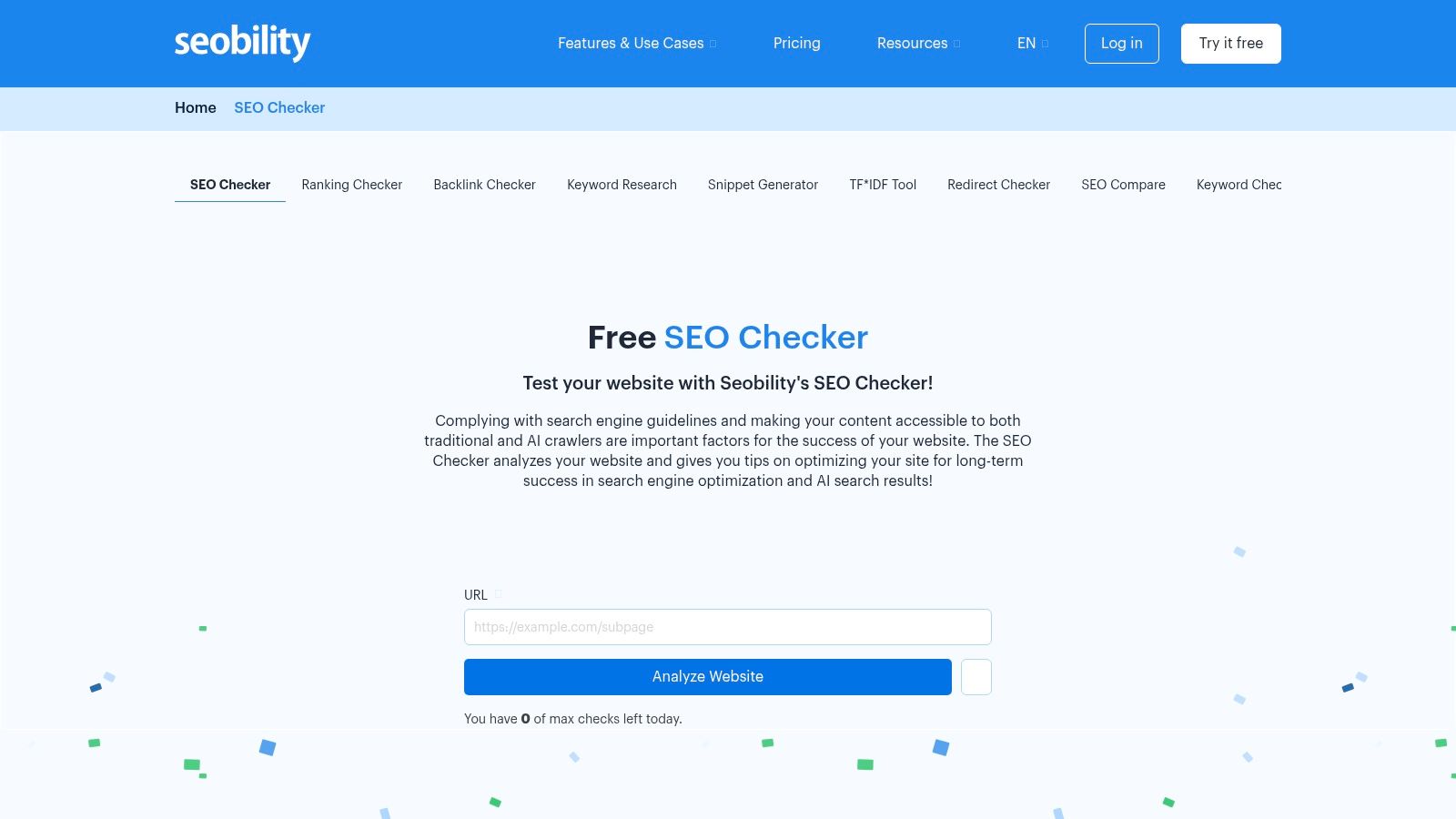
What makes Seobility a valuable addition to any list of free SEO audit tools is its focus on clarity and speed for single page analysis. While its free offering doesn't provide the comprehensive, site-wide crawling of competitors, its strength lies in its simplicity. It’s an excellent diagnostic tool for identifying immediate on-page fixes for a specific blog post or landing page without the overhead of a full project setup.
Key Features & Limitations
| Feature | Details | Limitations |
|---|---|---|
| On-Page SEO Check | Analyses a single URL for meta information, page quality, structure, and link profile. | Limited to one page at a time; does not provide a site-wide health score. |
| Clear Reporting | Provides an overall page score and a detailed, colour-coded task list for improvements. | The free version is subject to a daily quota for the number of checks you can perform. |
| Technical Analysis | Scans for response times, duplicate content issues, and other basic technical signals. | Lacks advanced technical insights like log file analysis or JavaScript rendering checks. |
Best-Use Scenario
Seobility is perfect for content marketers, copywriters, and small business owners who need to quickly vet a specific page before or after publication. It’s also a great tool for agencies to use in initial client discussions to highlight obvious on-page opportunities on a key service or product page.
8. WooRank
WooRank offers an instant website review, functioning as a rapid diagnostic tool primarily through its highly convenient browser extension and web-based analyser. It is designed for quick, on-the-spot SEO check ups, delivering a top-level score and a checklist of optimisation points covering on-page SEO, usability, and technical aspects. This makes it exceptionally useful for initial client prospecting or a swift competitive analysis without needing to run a comprehensive crawl.
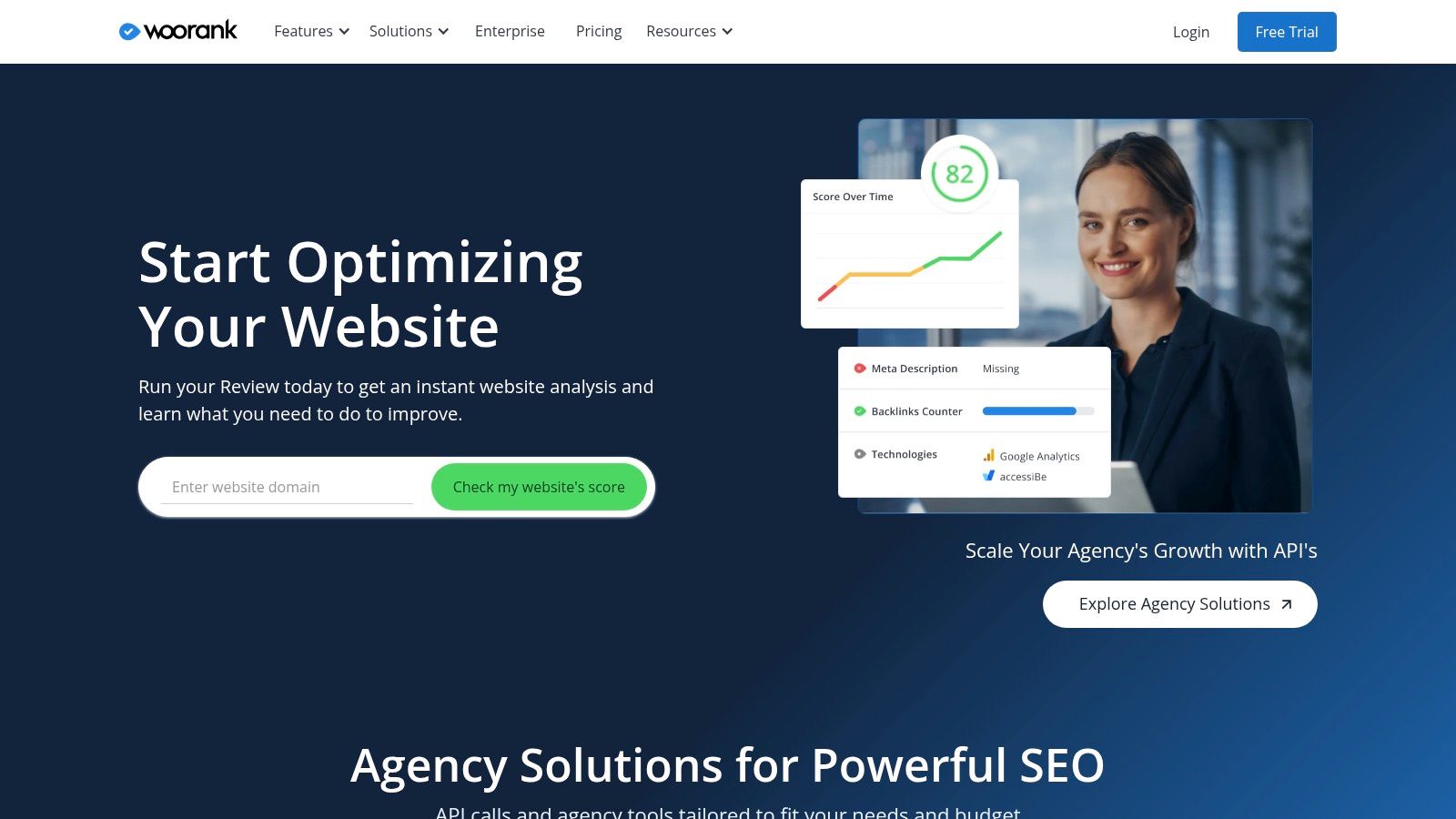
What sets WooRank apart in the crowded space of free SEO audit tools is its focus on speed and accessibility. The one-click functionality of its browser extension provides an immediate health check of any page you are on, presenting actionable, prioritised recommendations. While the free version offers a great snapshot, it acts as a gateway to their more advanced paid platform, which includes deeper analysis, keyword tracking, and white-label reporting features.
Key Features & Limitations
| Feature | Details | Limitations |
|---|---|---|
| Instant SEO Review | Generates a score out of 100 based on a 70-point checklist covering SEO, mobile, and social. | Free analysis is surface level; detailed data requires a subscription. |
| Actionable Tips | Each identified issue is accompanied by clear "how-to-fix" guidance. | The free version does not offer historical data or progress tracking. |
| Browser Extension | Provides one-click SEO analysis for any website directly in Chrome or Firefox. | Free reviews may be publicly indexed; some users may prefer privacy. |
Best-Use Scenario
WooRank is perfectly suited for sales teams, account managers, and digital marketers who need to perform rapid website evaluations for prospecting or initial competitor assessments. Its speed and ease of use make it an excellent tool for generating a quick overview before committing to a more in-depth audit.
Website: https://www.woorank.com
9. GTmetrix
GTmetrix is a specialised performance analysis tool that provides deep insights into your website's speed and its impact on user experience, a critical component of modern SEO. It goes beyond simple load time measurements by combining Google's Lighthouse data with its own detailed waterfall charts and performance metrics, giving you a clear, visual breakdown of how a page loads and where bottlenecks are occurring. This focus makes it an essential diagnostic tool for addressing Core Web Vitals.
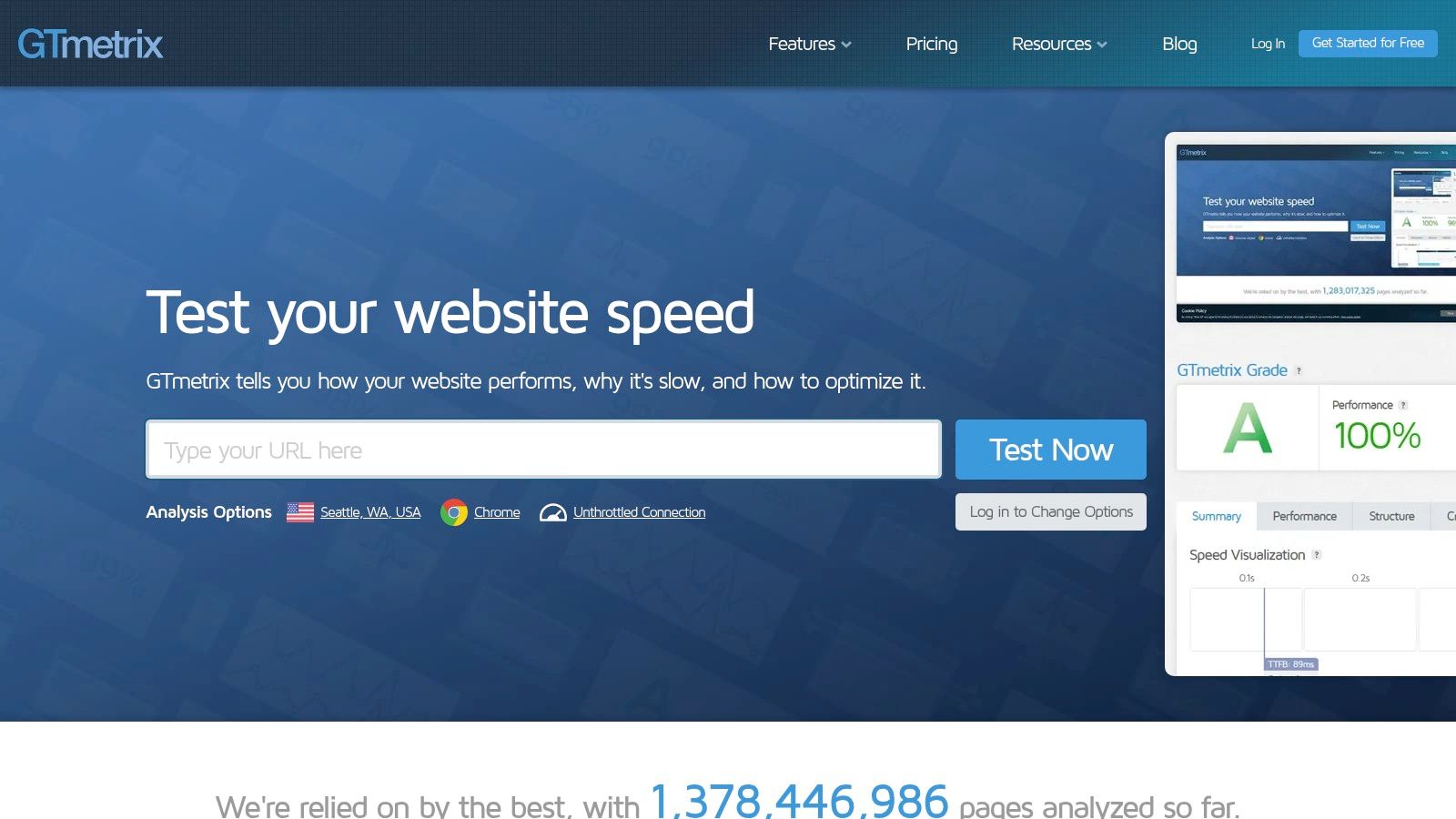
What makes GTmetrix a vital addition to any list of free SEO audit tools is its ability to translate complex performance data into actionable recommendations. While other tools may simply flag a slow site, GTmetrix shows you why it's slow, pinpointing specific render-blocking resources, unoptimised images, or slow server responses. This level of detail is invaluable for developers and SEO professionals looking to make precise, impactful improvements to page speed.
Key Features & Limitations
| Feature | Details | Limitations |
|---|---|---|
| Performance Analysis | Combines Lighthouse scores with its own Grade system and detailed waterfall charts. | The free plan has a limited number of on-demand tests and test server locations. |
| Core Web Vitals | Provides a clear view of key metrics like Largest Contentful Paint (LCP) and Cumulative Layout Shift (CLS). | Analysis is page by page, not a site-wide crawl for performance issues. |
| Detailed Reports | Offers filmstrip views, video playback of the page load, and specific, prioritised recommendations for fixes. | Does not cover other technical SEO areas like broken links, hreflang, or XML sitemaps. |
Best-Use Scenario
GTmetrix is perfect for businesses, agencies, and developers who need to diagnose and fix page-specific performance issues. It is the go-to tool for deep diving into why a particular page is slow and is an excellent complement to broader technical SEO crawlers that may not offer the same level of speed analysis.
Website: https://gtmetrix.com
10. PageSpeed Insights (Google)
PageSpeed Insights is Google's own diagnostic tool, offering a direct look at how the search engine perceives your site's performance and user experience. It uniquely combines real-world user data from the Chrome User Experience Report (CrUX) with controlled lab data from Lighthouse. This dual data approach provides a comprehensive overview of your Core Web Vitals, which are direct ranking factors, making it an essential resource for performance-focused SEO.
What makes PageSpeed Insights a critical part of any free SEO audit tools toolkit is its authority and actionable advice. It doesn’t just give you a score; it provides prioritised recommendations, such as "Eliminate render-blocking resources" or "Properly size images", directly linking them to potential time savings. For businesses aiming to enhance user experience and satisfy Google's technical requirements, this tool offers an unfiltered, highly relevant perspective on what needs fixing.
Key Features & Limitations
| Feature | Details | Limitations |
|---|---|---|
| Field & Lab Data | Combines real user data (CrUX) for Core Web Vitals (LCP, CLS, INP) with lab-based Lighthouse diagnostics. | Field data is only available for pages with sufficient traffic, leaving less popular pages with lab data only. |
| Actionable Diagnostics | Provides a prioritised list of opportunities and diagnostics to improve page speed and user experience. | Focuses almost exclusively on performance; it is not a comprehensive on-page or technical SEO crawler. |
| Mobile & Desktop Scores | Generates separate performance scores and reports for both mobile and desktop user agents. | Analysis is conducted on a page by page basis, requiring manual testing or API usage for site wide audits. |
Best-Use Scenario
PageSpeed Insights is indispensable for SEOs, developers, and website managers who need to diagnose and improve Core Web Vitals and overall page load performance. It is the go-to tool for granular, page-level analysis and should be used alongside a broader crawling tool to get a complete picture of a site's technical health.
Website: https://pagespeed.web.dev
11. Lighthouse (Chrome DevTools)
Lighthouse is an open source, automated tool integrated directly into Chrome DevTools, designed for improving the quality of web pages. It provides a distinct, page-level audit that focuses on technical performance, accessibility, best practices, and SEO. Unlike site-wide crawlers, Lighthouse runs locally in your browser, allowing you to analyse any URL, including pages behind a login or on a staging server, making it invaluable for pre-launch checks.
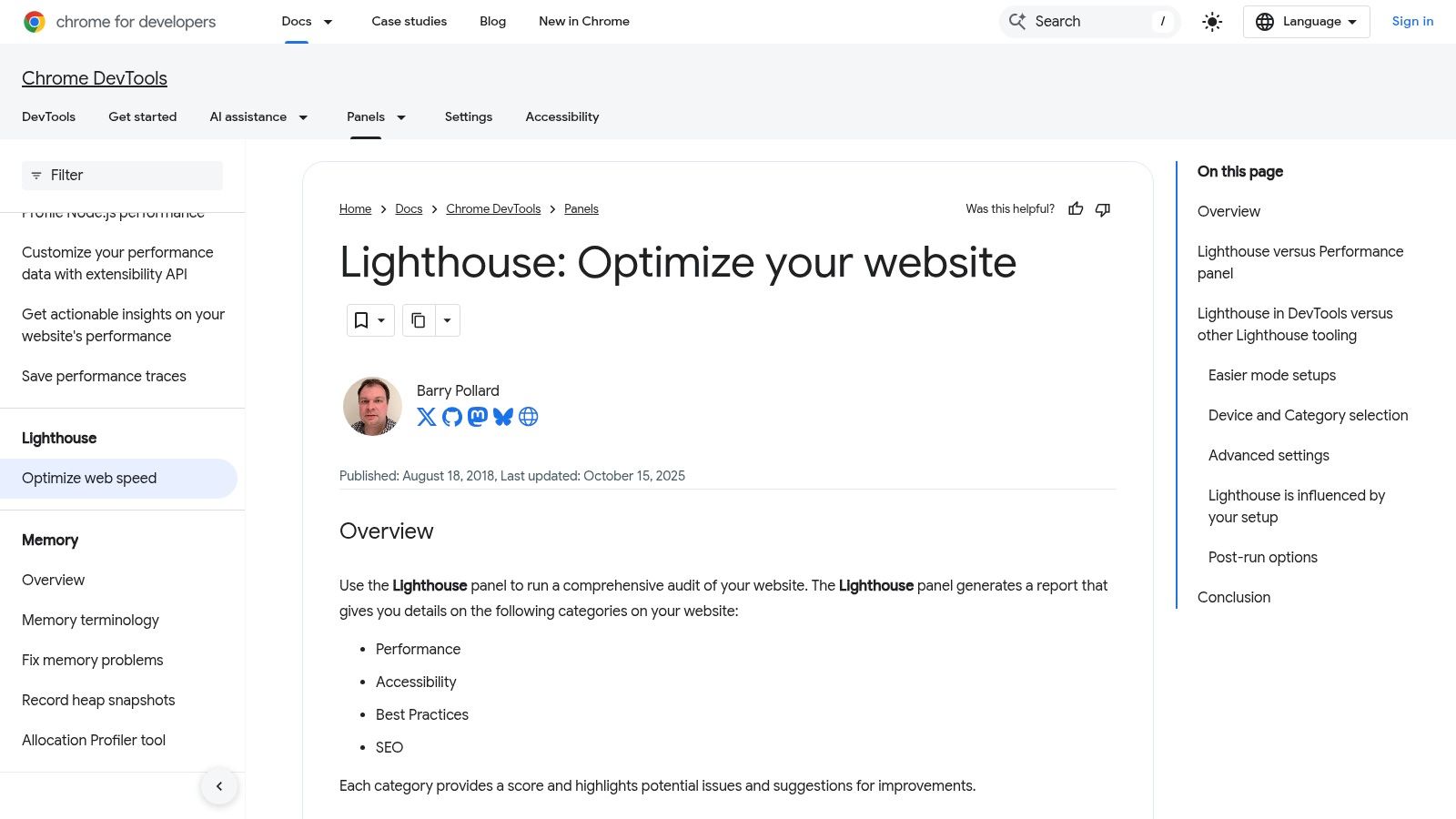
What makes Lighthouse one of the essential free SEO audit tools is its developer-centric approach. It provides a quick, actionable diagnostic on core web vitals and foundational SEO elements like meta tags, crawlability, and mobile friendliness. This immediate feedback loop is perfect for developers and SEOs working together to debug issues on a page by page basis, ensuring that technical optimisations are correctly implemented before deployment.
Key Features & Limitations
| Feature | Details | Limitations |
|---|---|---|
| On-Demand Audits | Runs comprehensive checks for Performance, Accessibility, Best Practices, and SEO. | Audits one page at a time; not a full website crawler. |
| Local Environment Testing | Can audit pages on local servers, staging environments, or behind authentication. | Scores can fluctuate based on network conditions and browser extensions. |
| Actionable Reports | Provides a score out of 100 for each category with clear, developer-friendly recommendations. | SEO checks are foundational and do not cover off-page factors like backlinks. |
Best-Use Scenario
Lighthouse is ideal for developers, technical SEOs, and QA teams needing to perform quick, iterative checks on individual pages during development or debugging. It is the perfect tool for verifying on-page technical SEO elements and performance metrics before pushing code live, complementing broader site-wide crawling tools.
12. Siteliner
Siteliner is a specialised site crawler designed to uncover issues that are often overlooked by more general purpose tools, primarily focusing on duplicate content, broken links, and internal page hierarchy. Its strength lies in its simplicity and sharp focus, making it an excellent supplementary tool for content hygiene audits. By simply entering your domain, you receive a clear, actionable report detailing internal duplication problems that could dilute your SEO authority and negatively impact rankings.
What makes Siteliner a valuable addition to any list of free SEO audit tools is its unique "Page Power" metric and its precise duplication analysis. It calculates the relative prominence of each page based on your internal linking structure, helping you understand which pages are perceived as most important. This focus on content-specific issues provides a different perspective from comprehensive technical crawlers, offering targeted insights for content strategists and SEOs looking to clean up their site architecture.
Key Features & Limitations
| Feature | Details | Limitations |
|---|---|---|
| Duplicate Content Finder | Scans your site and highlights duplicate, common, and unique content with percentage breakdowns. | Does not check for external duplicate content across the web. |
| Broken Link Checker | Identifies all broken internal links within your website for easy fixing. | Provides a list but doesn't offer advanced filtering or export options in the free version. |
| Page Power Report | Calculates the internal link-based importance of each page on your site. | The calculation is a proprietary metric and not a direct substitute for PageRank. |
Best-Use Scenario
Siteliner is perfect for small to medium-sized business owners, content managers, and SEOs who need a quick, no-fuss way to identify and resolve internal duplicate content and broken link issues. It is an ideal first step in a content audit before diving into more complex technical analysis.
Website: https://www.siteliner.com
12 Free SEO Audit Tools — Feature Comparison
| Tool | Core features | UX / Quality | Best for (👥) | Unique / USP (✨/🏆) | Price & Limits (💰) |
|---|---|---|---|---|---|
| Ahrefs Webmaster Tools (AWT) | 170+ audit checks, backlinks & keyword insights | ★★★★ clear fixes, trend charts | 👥 Verified site owners, agencies | ✨ Ongoing free audits after verification; reliable data | 💰 Free; 5,000 crawl credits/month; verified-only |
| Google Search Console | Indexing, Performance, URL Inspection, Core Web Vitals | ★★★★★ authoritative, essential | 👥 All site owners & SEOs | ✨ Direct Google data for validation 🏆 | 💰 Free; property-limited |
| Bing Webmaster Tools (Site Scan) | Site Scan, URL Inspection, Site Explorer, utilities | ★★★★ complementary view to Google | 👥 Sites targeting Bing & broader auditing | ✨ Fast scans + extra maintenance tools | 💰 Free; verified-sites only |
| Screaming Frog SEO Spider (Free) | Desktop crawler: broken links, tags, redirects, exports | ★★★★ precise, fast local control | 👥 Technical SEOs & developers | ✨ Runs locally with custom filters 🏆 | 💰 Free up to 500 URLs/crawl; local resources required |
| Semrush SEO Checker (Free) | Instant page/site checks; issue severity & guidance | ★★★ user-friendly UI, actionable to-dos | 👥 Marketers & small businesses | ✨ Easy upgrade path into Semrush suite | 💰 Free limited audits (~100 pages/month); paid plans for depth |
| Ubersuggest | Weekly site crawls, prioritised recommendations, basic tracking | ★★★ very simple & approachable | 👥 Micro-sites & beginners | ✨ Weekly re-crawls keep small sites updated | 💰 Free tier; ~150 pages/audit limit |
| Seobility (Free SEO Checker) | Single-URL analysis, optimisation tips | ★★★ clear, non-technical explanations | 👥 Content editors & small sites | ✨ Fast page-level assessment | 💰 Free single-page checks (daily quota); paid for site crawls |
| WooRank | One-click domain reviews, mobile & tech stack checks, extension | ★★★ instant snapshots for prospecting | 👥 Sales teams & quick-audit users | ✨ Browser extension for no-friction checks | 💰 Free reviews; continuous monitoring paid |
| GTmetrix | Lighthouse + waterfall, filmstrip, multi-location testing | ★★★★ clear visuals for performance bottlenecks | 👥 Developers & performance specialists | ✨ Detailed waterfall + filmstrip diagnostics | 💰 Free with test limits; paid for more locations/features |
| PageSpeed Insights (Google) | CrUX field data + Lighthouse lab diagnostics | ★★★★★ reflects Google's UX metrics | 👥 Devs & SEOs focused on Core Web Vitals | ✨ Direct Google CWV data and prioritised fixes 🏆 | 💰 Free; page-by-page (API available for automation) |
| Lighthouse (Chrome DevTools) | Local audits: Performance, SEO, Accessibility, best practices | ★★★★ developer-focused, iterative debugging | 👥 Developers, QA & staging/testing | ✨ Runs on staging/auth pages; adjustable throttling | 💰 Free; page-level tool |
| Siteliner | Duplicate-content mapping, broken links, page power metrics | ★★★ focused duplicate-content insights | 👥 Content teams & editors | ✨ Clear duplication % and per-page 'page power' | 💰 Free up to 250 pages/site/month; paid for larger scans |
Turning Insights into Action: Your Next Steps in SEO Excellence
You now have a powerful arsenal of free SEO audit tools at your disposal. We have navigated the comprehensive ecosystem from the foundational data of Google Search Console to the intricate technical analysis provided by Screaming Frog and the performance diagnostics of GTmetrix. The journey through this curated list reveals a crucial truth: no single free tool provides a complete picture. True SEO mastery lies not in the tools themselves, but in the strategic synthesis of their outputs.
The real challenge, and where the most significant gains are found, is transforming raw data into a prioritised, actionable roadmap. A common pitfall is becoming overwhelmed by a flood of metrics and minor warnings. By understanding the unique strengths of each platform, you can create a streamlined and effective audit workflow that delivers tangible results without costing a penny in software subscriptions.
Building Your Custom SEO Audit Workflow
To avoid analysis paralysis, it is vital to organise your approach. A logical workflow allows you to move from broad overviews to granular details methodically. Consider adopting a phased strategy that leverages the strengths of the tools we have discussed.
Phase 1: The Foundational Health Check
Start with the essentials. Your first port of call should always be the data sources that come directly from the search engines themselves.
- Google Search Console (GSC) & Bing Webmaster Tools: Begin here to understand how search engines currently see your website. Focus on core metrics like index coverage , mobile usability , and Core Web Vitals . These reports are non-negotiable as they highlight critical issues that are actively preventing your pages from being indexed or served effectively to users.
- Ahrefs Webmaster Tools (AWT): Use this to get an initial, high level overview of your site’s health score, backlink profile, and top keyword rankings. AWT provides a fantastic baseline to identify which areas need a more in-depth investigation.
Phase 2: The Deep Dive Technical and On-Page Audit
Once you have addressed any fundamental indexing or usability problems, it is time to dig deeper into the structure and content of your site.
- Screaming Frog SEO Spider (Free Version): With a 500 URL limit, this is perfect for smaller sites or for auditing a specific, problematic section of a larger one. Use it to find broken links (404s) , analyse page titles and meta descriptions in bulk, and identify redirect chains that could be slowing down your site and diluting link equity.
- Siteliner: Run this tool to quickly spot duplicate content issues . Internal duplicate content can confuse search engines and split your ranking signals, so resolving this is a high impact action.
Phase 3: Performance and User Experience Optimisation
A technically sound site is of little use if it is slow and frustrating for visitors. This final phase focuses on speed and the on-page experience.
- GTmetrix & PageSpeed Insights: Use these in tandem. PageSpeed Insights gives you the Google-centric view, focusing on Core Web Vitals, while GTmetrix provides a more holistic performance breakdown with waterfalls and detailed recommendations. Addressing image compression, render-blocking resources, and server response times based on these reports can dramatically improve user experience and rankings.
Prioritising Your Actions for Maximum Impact
After running these free SEO audit tools , you will likely have a long list of potential fixes. The key is prioritisation . Focus your efforts where they will matter most by asking two simple questions:
- What is the impact of this issue? (e.g., A "noindex" tag on a key service page is a critical issue; a missing alt tag on a decorative image is a low priority one).
- How much effort is required to fix it? (e.g., Updating a meta description is quick; a full site migration is a major project).
Start with the high impact, low effort tasks to secure quick wins. Then, tackle the high impact, high effort problems that will drive long term growth. Regularity is also key; schedule a recurring audit, perhaps quarterly, to catch new issues and track your progress. This disciplined approach ensures your website continuously evolves, adapts to algorithm changes, and remains a powerful asset for your business.
Feeling overwhelmed by the data or unsure where to begin? A powerful toolkit is just one piece of the puzzle. At Superhub , we specialise in translating complex audit findings into clear, growth-driven marketing strategies for ambitious brands. Let our team of experts handle the technical analysis and implementation, so you can focus on running your business. Discover how Superhub can accelerate your SEO success.
Want This Done For You?
SuperHub helps UK brands with video, content, SEO and marketing that actually drives revenue. No vanity metrics. No bullsh*t.