Your Ultimate 10-Point Website Redesign Checklist for 2026
A website redesign is more than a fresh coat of paint; it is a strategic overhaul of your most valuable digital asset. Whether you are a startup aiming for market disruption or an established business seeking to revitalise your online presence, a structured approach is paramount. An unplanned redesign can lead to lost SEO rankings, a poor user experience, and a disappointing return on investment. Without a clear plan, even the most ambitious projects can falter, wasting time and resources.
This definitive website redesign checklist provides a comprehensive, 10-step framework used by leading agencies to ensure every project is a success. We will cover the entire journey, from foundational strategy and user research to technical development, a flawless launch, and continuous post-launch optimisation. This guide is designed to give you the tools to navigate this complex process with confidence, ensuring no critical step is missed.
Before diving into the detailed steps, it is vital to have a solid preparatory foundation. Understanding the preliminary work involved can set the stage for a smoother project, so it is wise to familiarise yourself with everything you need to know before your website redesign to ensure a successful process from the outset. This list will build upon that foundational knowledge, transforming your vision into a website that not only looks exceptional but performs brilliantly. Let’s begin.
1. Define Clear Goals and KPIs
The first, non-negotiable step in any successful website redesign checklist is to establish clear, measurable goals. Without a defined destination, your project lacks direction, making it impossible to gauge success or calculate a return on investment. This foundational stage involves translating broad business ambitions into specific, quantifiable objectives that the new website must achieve. It's the strategic compass that guides every subsequent decision, from user experience (UX) design to content creation.
For a startup, a primary goal might be to increase marketing qualified leads (MQLs) by 50% within six months. For an established e-commerce brand, the focus could be on increasing the average order value by 15% or reducing shopping cart abandonment rates. Setting these targets ensures that the redesign is not just a cosmetic update but a strategic business initiative.

Why This is a Crucial First Step
Jumping into wireframes and design concepts without clear goals is a recipe for failure. It often leads to a finished product that, while aesthetically pleasing, fails to solve underlying business problems. By defining Key Performance Indicators (KPIs) upfront, you create a framework for accountability and objective decision-making, ensuring every element of the new site serves a purpose.
Key Insight: A redesign's success isn't measured by its launch date, but by its ability to move the needle on predefined business metrics. Goals transform the project from a cost centre into a strategic investment.
Actionable Implementation Steps
To effectively set your redesign goals, follow these practical steps:
- Conduct a Baseline Analytics Audit: Before you change anything, understand your current performance. Use tools like Google Analytics 4 (GA4) to document key metrics such as conversion rates, bounce rates, session duration, and user flow. This data provides the benchmark against which you will measure future success.
- Involve All Stakeholders: Organise workshops with key stakeholders from sales, marketing, customer support, and leadership. This collaborative approach ensures the website’s goals are aligned with the broader objectives of every department, securing essential buy-in from the start.
- Set SMART Goals: Ensure every objective is Specific, Measurable, Achievable, Relevant, and Time-bound. For instance, instead of "improve lead generation," a better goal is "Increase demo request form submissions from organic traffic by 30% in Q3."
- Analyse Competitor Performance: Review the websites of your main competitors. Identify what they do well and where their digital experience falters. This analysis helps set realistic and ambitious targets for your own project.
2. Conduct Comprehensive User Research and Audience Analysis
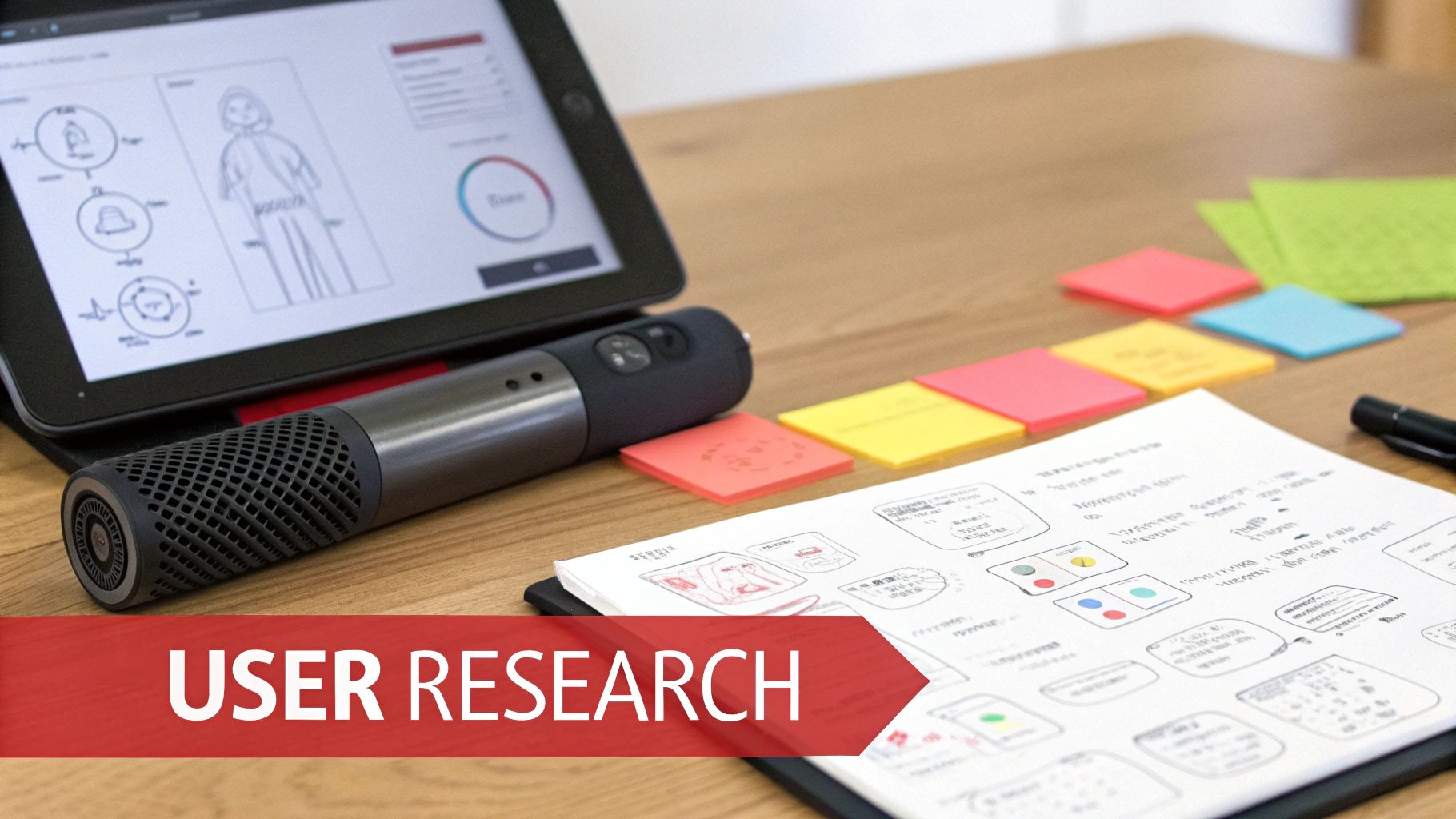
After setting goals, the next critical step in any website redesign checklist is to deeply understand the people who will actually use the site. Assumptions about your audience are the most common cause of redesign failures. Comprehensive user research moves beyond internal opinions, grounding your project in real-world data about your target audience's behaviours, preferences, pain points, and expectations. This process ensures the new design serves genuine user needs, not just perceived ones.
For instance, thorough analysis might reveal that users for a motorsport brand overwhelmingly prefer dynamic video content, leading to an integration of more cinematic drone footage. In contrast, research for a startup could highlight a mobile-first audience, completely shifting design priorities towards a responsive, thumb-friendly interface.
Why This is a Foundational Step
Building a website without user research is like drawing a map without knowing the destination. It leads to a final product that might look impressive but is functionally useless to the people it’s meant to attract and convert. By investing time in audience analysis, you ensure that every decision, from information architecture to call-to-action placement, is informed by evidence. This user-centric approach directly impacts usability, engagement, and conversion rates.
Key Insight: Your website is not for you or your CEO; it is for your customers. Designing based on their needs and frustrations is the most direct path to achieving your business goals.
Actionable Implementation Steps
To execute effective user research, integrate these practical steps into your process:
- Analyse Behavioural Data: Use tools like Hotjar, Crazy Egg, or Microsoft Clarity to see how users currently interact with your site. Heatmaps, session recordings, and scroll maps provide invaluable, unbiased insights into where users click, get stuck, or lose interest.
- Conduct User Interviews: Speak directly to your target audience. Interviewing 8-12 representative users is often enough to identify recurring patterns and pain points. Ask open-ended questions about their goals and challenges when using your current site or a competitor's.
- Create Detailed User Personas: Synthesise your research into 3-5 detailed user personas. These fictional character profiles should represent your key audience segments, complete with specific goals, motivations, and frustrations. Refer to these personas throughout the project to maintain focus.
- Map the Customer Journey: Document the entire path a user takes, from their initial awareness of a problem to becoming a loyal customer. This map helps identify critical touchpoints and opportunities where the new website can provide a better experience.
3. Perform Current Website Audit and Competitive Analysis
Before planning the future of your website, you must deeply understand its present state. A thorough audit of your existing site is a diagnostic step in any website redesign checklist, identifying the technical faults, content gaps, and performance bottlenecks that need fixing. This process involves a forensic evaluation of everything from SEO performance and page speed to broken links and user experience pain points.
This diagnostic phase reveals critical insights. For instance, a car retailer might discover that 40% of its key landing pages are not mobile optimised, immediately making responsive design a top priority. Similarly, an e-commerce site could use heatmaps and analytics to identify that a convoluted, multi-step checkout process is the primary cause of high cart abandonment rates, directly informing the new UX/UI design.
Why This is a Crucial Diagnostic Step
Skipping the audit is like building a new house on unstable foundations. You risk carrying over legacy problems that undermine your investment in a new design. A comprehensive audit provides a data-backed rationale for design and development decisions, moving the conversation from subjective opinions ("I don't like this colour") to objective problems ("Our slow load times are costing us conversions").
Key Insight: A website redesign should not just create something new; it must solve existing problems. An audit identifies precisely what those problems are, ensuring the new site is a strategic solution, not just a cosmetic refresh.
Actionable Implementation Steps
To execute a comprehensive audit and competitive analysis, follow these practical steps:
- Gather Your Toolkit: Use a combination of tools for a 360-degree view. Employ SEMrush or Ahrefs for SEO and backlink analysis, Google PageSpeed Insights for performance metrics, and Google Search Console to uncover indexation or manual action issues.
- Document Baseline Metrics: Create a spreadsheet to track your findings. Record current traffic sources, top-performing content, keyword rankings, conversion rates, and core web vitals. This document becomes your blueprint for improvement.
- Analyse the Competition: Review your main competitors' websites to benchmark their performance, identify their content strengths, and spot gaps in their digital strategy that you can exploit. A detailed guide on how to conduct competitor analysis in the UK can provide a structured approach.
- Create a Prioritised Action Plan: Don't just list issues; prioritise them. For a thorough assessment of your current site, consult a practical website audit checklist to categorise problems by impact (high, medium, low) and effort required to fix them, ensuring you tackle the most critical items first.
4. Plan Information Architecture and Site Structure
With your goals defined and audits complete, the next critical phase in your website redesign checklist is planning the Information Architecture (IA). IA is the blueprint for your website’s content, dictating how information is organised, structured, and navigated. A logical and intuitive structure is the bedrock of a positive user experience, making it effortless for visitors to find what they need while simultaneously boosting your site’s search engine visibility.
For a business with diverse product lines, such as a motorsport retailer, thoughtful IA is non-negotiable. Organising content by vehicle type first, then by specific parts, can dramatically improve usability and guide customers along a clear path to purchase. This step is about creating a logical hierarchy that serves both user intent and business objectives, ensuring the redesign is built on a solid foundation.
Why This is a Crucial Planning Step
Neglecting IA leads to a confusing and frustrating user journey, resulting in high bounce rates and lost conversions. A well-planned site structure ensures that content is discoverable and scalable, preventing major navigational problems post-launch. It transforms a simple collection of pages into a cohesive digital experience that guides users efficiently towards their goals.
Key Insight: Excellent information architecture is invisible to the user. When done correctly, the user journey feels so natural and intuitive that the underlying structure is never questioned.
Actionable Implementation Steps
To build a robust and user-centric site structure, follow these practical steps:
- Conduct Card Sorting Exercises: Involve real users from your target audience in card sorting activities. This technique reveals how they naturally group and categorise your content, providing invaluable, data-driven insights to inform your navigation and sitemap.
- Develop a Sitemap and User Flows: Create a visual sitemap that outlines the complete hierarchy of your website, from the homepage down to the deepest pages. Complement this with user flow diagrams that map out the ideal paths for key user personas to complete important tasks.
- Optimise Your URL Structure:
Plan a clean, logical URL structure before development begins. Keep URLs short, descriptive, and avoid excessive nesting (e.g.,
/services/digital-marketing/seo/instead of/category/item/123/product_detail_page/). This benefits both users and search engines. - Simplify Main Navigation: Limit your primary navigation menu to a maximum of five to seven essential items. This prevents cognitive overload, especially on mobile devices, and forces you to prioritise the most critical pathways for your users.
5. Create Wireframes and User Flow Diagrams
Once your sitemap is established, the next critical step in a successful website redesign checklist is to create wireframes and user flow diagrams. Wireframes serve as low-fidelity, structural blueprints for your web pages. They map out the layout, content hierarchy, and core functionality without the distraction of colours, fonts, or imagery, focusing purely on usability and structure.
Alongside wireframes, user flow diagrams visualise the paths visitors will take to complete key actions, such as making a purchase or requesting a demo. For example, a SaaS company might map out its entire onboarding sequence to identify and eliminate friction points, potentially reducing sign-up time by over 40%. This architectural phase ensures that the user journey is logical and efficient before a single line of code is written or a design element is finalised.
Why This is a Crucial Step
Diving straight into high-fidelity design without a wireframe is like building a house without a blueprint. It’s inefficient and often leads to costly revisions late in the project. Wireframes and user flows facilitate early feedback from stakeholders, align the design and development teams on a unified vision, and ensure that the website’s structure is built around user needs and business goals.
Key Insight: Wireframing isn't about design; it's about strategy. It forces you to solve usability and navigation challenges early, ensuring the final product is not just beautiful but also highly functional.
Actionable Implementation Steps
To build a solid structural foundation for your new website, follow these steps:
- Prioritise Key Page Templates: Begin by wireframing your most critical pages, such as the homepage, product or service pages, and the checkout or contact process. You do not need to wireframe every single page, just the unique templates that will form the basis of the site.
- Utilise Wireframing Tools: Leverage industry-standard tools like Figma, Adobe XD, or Balsamiq to create clear, professional wireframes. These platforms facilitate collaboration, version control, and rapid prototyping.
- Annotate for Clarity: Add notes and annotations to your wireframes to explain interactive elements, user actions, and backend logic. This context is invaluable for designers, developers, and stakeholders.
- Design for Mobile First: Create separate wireframes for mobile, tablet, and desktop views. Starting with the mobile layout ensures you prioritise essential content and functionality for the smallest screens, which often account for the majority of traffic.
- Validate with Simple User Tests: Before committing to the design, test your wireframes with a small group of users. Ask them to complete specific tasks to see if the layout is intuitive and the user flow is seamless.
6. Develop Design System and Brand Guidelines Integration
Moving from wireframes to high-fidelity visuals requires a systematic approach to design. A design system is a comprehensive library of reusable components, patterns, and guidelines that ensures consistency across every page of your new website. It is the single source of truth for everything from colour palettes and typography to interactive elements like buttons and forms. This system is crucial for scaling your digital presence efficiently.
For established businesses, this stage involves integrating existing brand guidelines directly into the design system, ensuring the new website is a true reflection of the brand's identity. This prevents design drift, speeds up development, and simplifies future updates. Companies like Google with its Material Design have popularised this component-driven approach, demonstrating how it creates a cohesive user experience across vast digital ecosystems.
Why This is a Crucial Step
Without a design system, a website redesign project can quickly become chaotic. Different designers or developers might create slightly different versions of the same component, leading to a fragmented and unprofessional user experience. A centralised system enforces consistency, reduces redundant work, and empowers your team to build new pages or features quickly without reinventing the wheel each time.
Key Insight: A design system isn't just a style guide; it's a living, scalable toolkit. It transforms design from a series of one-off decisions into a systematic, efficient, and brand-aligned process that pays dividends long after the redesign launch.
Actionable Implementation Steps
To build a robust design system for your website redesign checklist, follow these practical steps:
- Conduct a UI Audit: Before creating new components, audit your existing site (and any preliminary mockups) to identify all unique UI elements. Group similar items, like button variations or form fields, to establish a foundational inventory for your system.
- Define Foundational Elements: Start with the basics: define your colour palette (primary, secondary, accents, feedback colours), typography scale (headings, body text, captions), spacing rules, and iconography. These are the building blocks of your entire system.
- Build Reusable Components: Create components for every interactive element, such as buttons, navigation bars, cards, and forms. Document the behaviour for different states (e.g., default, hover, disabled) and ensure each is designed with responsiveness in mind. Tools like Figma are ideal for this collaborative process.
- Integrate Brand Guidelines: Ensure your design system is a direct extension of your core brand identity. For expert guidance on establishing this foundation, explore our insights on how to create brand guidelines that actually work. This alignment is critical for maintaining brand recognition and trust.
- Document and Share: A design system is only useful if it is well-documented and accessible. Create clear usage guidelines for each component and make the system available to all designers, developers, and content creators involved in the project.
7. Plan Content Strategy and Migration
A website redesign is as much about content as it is about code and design. A comprehensive content strategy is the bridge between your old site and your new one, ensuring you carry forward valuable SEO equity while refining your message. This phase involves a meticulous audit of every existing piece of content to decide what to keep, what to improve, what to consolidate, and what to discard entirely.
For an established business, this process is non-negotiable. For instance, a B2B firm might reorganise its blog content into topic clusters aligned with specific buyer journey stages, improving user engagement and lead nurturing. Similarly, an e-commerce site could prune thousands of outdated, low-traffic product pages, which can improve site-wide crawl efficiency and focus authority on core products. This strategic culling and curation ensures the new website launches with only relevant, high-performing content.
Why This is a Crucial Step
Failing to plan content migration is one of the most common and costly mistakes in a website redesign checklist. It can lead to a catastrophic loss of search engine rankings built up over years, as well as broken user journeys from dead links. A proactive strategy prevents this by mapping old URLs to new ones, preserving link equity, and ensuring users and search engines are seamlessly redirected to the correct pages.
Key Insight: Your existing content is a valuable business asset. Treating its migration as an afterthought is like building a new house but leaving your most prized possessions behind in the old one.
Actionable Implementation Steps
To execute a flawless content strategy and migration, follow these practical steps:
- Conduct a Full Content Inventory: Use a tool like Screaming Frog to crawl your existing website and create a spreadsheet of every single URL. Document key metrics for each page, such as organic traffic, backlinks, and conversion rates, to inform your decisions.
- Audit and Categorise Each Page: Evaluate every URL against your new goals. Categorise each piece of content as ‘Keep As Is’, ‘Improve and Update’, ‘Consolidate’, or ‘Delete’. Prioritise updating your highest-performing content first.
- Create a Detailed Redirect Map: In your spreadsheet, create a column for the new URL that corresponds to each old URL. This map is the blueprint for implementing 301 redirects, which permanently tell search engines the new location of your content, passing along most of its ranking power.
- Plan New Content Creation: Identify content gaps discovered during your user research and competitive analysis. Schedule the creation of this new content so it is ready to go live at launch, enriching the user experience from day one.
8. Design High-Fidelity Mockups and Prototypes
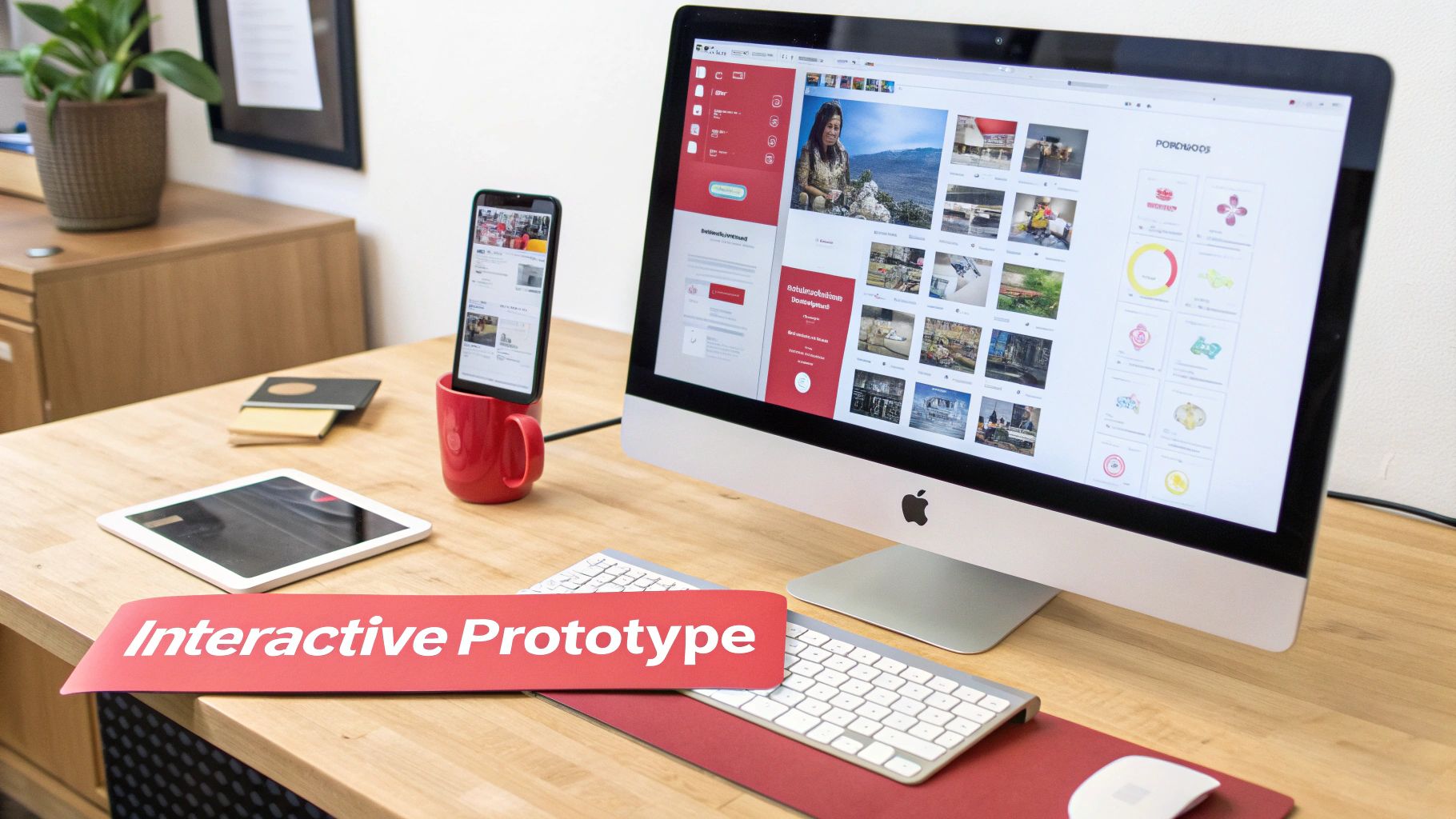
After establishing the architectural blueprint with wireframes, the next critical phase in your website redesign checklist is to breathe life into them with high-fidelity mockups and interactive prototypes. This is where the visual identity, branding, and user interface (UI) are fully realised. High-fidelity mockups are detailed, pixel-perfect representations of the final design, complete with colour palettes, typography, imagery, and spacing.
Interactive prototypes then take these static designs and make them clickable, demonstrating user flows, animations, and micro-interactions. For a car brand, this could mean creating an interactive 3D car configurator; for a SaaS company, it could involve prototyping a complex dashboard to test usability before a single line of code is written. This step transforms the abstract plan into a tangible, testable vision that stakeholders can see and feel.
Why This is a Crucial Design Step
Building a website without a prototype is like constructing a building without an architect's model. It's a high-risk approach that often leads to costly rework during the development phase. Prototypes allow you to identify usability issues, gather crucial user feedback, and secure definitive stakeholder approval before significant development resources are invested. They bridge the communication gap between designers, developers, and clients, ensuring everyone shares the same vision.
Key Insight: Prototypes de-risk the development process. A small investment in prototyping can save thousands in development costs by catching design flaws and usability problems early.
Actionable Implementation Steps
To create effective mockups and prototypes, follow these practical steps:
- Design Mobile-First: Start by creating detailed mockups for mobile devices, then adapt and expand the design for tablet and desktop breakpoints. This ensures the core experience is optimised for the majority of users.
- Prototype Critical User Flows: Do not try to make every single element clickable. Instead, focus on prototyping the most important user journeys, such as the checkout process, a sign-up form, or a key conversion path.
- Account for All States: A professional design considers all possible interaction states. Ensure your mockups include designs for hover effects, active (clicked) buttons, visited links, and error messages to provide a complete picture for developers.
- Gather User Feedback: Use tools like Figma or InVision to share your interactive prototypes with a small group of target users. Observe how they interact with the design and gather feedback to make data-informed refinements before final approval.
9. Establish Technical Requirements and Development Framework
Once the strategy, UX, and content plans are in place, the next critical step in your website redesign checklist is to define the technical foundation. This involves selecting the technology stack, platforms, and frameworks that will power the new website, ensuring it is secure, scalable, and manageable. This decision directly impacts performance, future development capabilities, and day-to-day operations, making it a cornerstone of the entire project.
For example, a fast-growing e-commerce brand might migrate to Shopify Plus to handle high-volume traffic and complex integrations, while a B2B technology firm may choose a headless CMS like Contentful for maximum flexibility in distributing content across multiple platforms. The right technical architecture is what translates your design and content strategy into a functional, high-performing digital asset.
Why This is a Crucial Step
Choosing the wrong technology can cripple a website before it even launches. A platform that is difficult for your team to update will lead to stale content, while inadequate hosting can cause crashes during traffic spikes, damaging your brand's reputation. A well-defined technical plan ensures the website not only meets current business needs but is also future-proof, capable of adapting to growth and technological change.
Key Insight: The technology stack is not just an IT decision; it's a business decision. It should empower your marketing and sales teams, not hinder them, aligning perfectly with your long-term operational and growth objectives.
Actionable Implementation Steps
To build a robust technical foundation for your redesign, follow these steps:
- Align Technology with Business Goals: Choose a platform that matches your scale and ambition. Consider if you need robust e-commerce functionality (Shopify, Magento), content flexibility (WordPress, Headless CMS), or specific integrations with your CRM or ERP systems.
- Prioritise Core Web Vitals: Plan for performance from day one. Select a lightweight theme or framework, implement a Content Delivery Network (CDN) for global speed, and establish image optimisation protocols. This is vital for both user experience and SEO.
- Plan for Security and Scalability: Select a hosting provider with DDoS protection, SSL certificates, and regular backups. Ensure the chosen server architecture (e.g., cloud, VPS) can handle projected traffic increases without a drop in performance.
- Confirm Integration Capabilities: List all third-party tools the website must connect with, such as marketing automation platforms, payment gateways, or analytics software. Verify that your chosen CMS and its plugins can support these integrations seamlessly. To explore this further, you can learn more about the essentials of website development on superhub.biz.
10. Plan Launch Strategy, Testing, and Post-Launch Optimisation
The final, critical phase in any website redesign checklist is planning a meticulous launch. This stage is far more than just flicking a switch; it involves a detailed strategy for testing, deployment, and post-launch optimisation to ensure a seamless transition and sustained performance. A well-executed launch minimises downtime, protects your SEO equity, and validates that the new site successfully meets the goals established in step one.
This comprehensive plan covers everything from final quality assurance (QA) checks to monitoring performance after the new site is live. For instance, a major retailer might perform a phased rollout, releasing the new site to just 10% of its traffic initially. This allows them to catch critical bugs with a smaller audience before a full-scale deployment, mitigating potential revenue loss and brand damage.
Why This is a Crucial Final Step
Skipping a structured launch and testing plan is a high-stakes gamble. It can lead to broken functionalities, poor user experience, lost search engine rankings, and ultimately, a failed project. Rigorous testing ensures that all components, from contact forms to payment gateways, function flawlessly across different devices and browsers. A post-launch plan ensures that the project doesn't end at go-live but evolves based on real user data and feedback.
Key Insight: A website launch isn't the finish line; it’s the starting line for continuous improvement. A successful deployment is measured by its smoothness and the speed at which you can begin optimising based on live performance data.
Actionable Implementation Steps
To ensure your launch is a success and sets the stage for future growth, follow these steps:
- Create a Pre-Launch Testing Checklist: Document every single element that needs verification. This should include functional testing (do all buttons and links work?), performance testing (how fast does it load?), security checks, and cross-browser compatibility testing on real mobile and desktop devices.
- Plan a Phased Rollout or "Soft Launch": Avoid a big-bang launch where possible. Release the new site to a small internal group or a limited segment of your audience first. This controlled release helps identify and fix unforeseen issues before they impact every user.
- Establish a Post-Launch Monitoring Protocol: Set up comprehensive monitoring tools to track uptime, page speed, server errors (like 404s), and conversion rates from the moment you go live. Have a clear escalation plan and a dedicated team ready to address any critical issues immediately.
- Gather User Feedback Actively: Implement tools like on-site surveys or feedback widgets immediately after launch. This qualitative data is invaluable for identifying user friction points and prioritising the first round of post-launch improvements.
10-Step Website Redesign Comparison
| Step | 🔄 Implementation complexity | ⚡ Resource requirements | ⭐ Expected outcome | 📊 Ideal use cases | 💡 Key advantages |
|---|---|---|---|---|---|
| 1. Define Clear Goals and KPIs | Medium — planning & stakeholder alignment | Low–Medium — analytics tools, stakeholder time | Clear measurable targets and ROI visibility | Startups, business-driven redesigns, stakeholder-aligned projects | Aligns team and enables data-driven decisions |
| 2. Conduct Comprehensive User Research and Audience Analysis | High — interviews, synthesis, validation | High — participants, research tools, analysts | Deep user insights that guide UX and content | New products, mobile-first audiences, conversion-focused sites | Reduces assumptions; increases relevance and conversions |
| 3. Perform Current Website Audit and Competitive Analysis | Medium–High — technical & content diagnosis | Medium — SEO tools, auditors, analysts | Identifies technical issues and quick wins; SEO baseline | Migrations, SEO-sensitive sites, e-commerce | Preserves SEO equity; prioritises fixes by impact |
| 4. Plan Information Architecture and Site Structure | Medium — taxonomy and navigation planning | Medium — workshops, content reorganisation | Improved findability, navigation and crawlability | Large catalogues, multi-product sites, content-heavy brands | Better UX and SEO through logical hierarchy |
| 5. Create Wireframes and User Flow Diagrams | Low–Medium — iterative blueprinting | Low–Medium — designers, wireframing tools | Early UX validation and reduced rework in development | Complex funnels, multi-step processes, app-like flows | Fast iteration; clarifies functionality before visual design |
| 6. Develop Design System and Brand Guidelines Integration | High — component library and documentation | High — designers, dev support, ongoing maintenance | Consistent, scalable UI and faster future builds | Enterprise, multi-site brands, teams needing scale | Visual consistency, faster development, brand fidelity |
| 7. Plan Content Strategy and Migration | Medium–High — audit, mapping, redirects | Medium — content editors, SEO specialists | Preserved organic visibility and improved content quality | Sites with large legacy content, e-commerce catalogues | Protects SEO, removes bloat, aligns content with goals |
| 8. Design High-Fidelity Mockups and Prototypes | Medium–High — detailed visual & interactive work | Medium — senior designers, prototyping tools | Realistic preview, stakeholder buy-in, usability validation | Brand-led redesigns, interactive experiences, marketing hubs | Catches UX issues early; clarifies visual direction |
| 9. Establish Technical Requirements and Development Framework | High — long-term tech decisions and integrations | High — developers, hosting, infra, licensing | Scalable, secure, performant platform that supports integrations | High-traffic e-commerce, headless/JAMstack, complex integrations | Ensures performance, security and future extensibility |
| 10. Plan Launch Strategy, Testing, and Post-Launch Optimisation | Medium–High — coordinated testing & monitoring | Medium — QA testers, monitoring tools, ops support | Smooth launch with rapid detection and remediation | Major launches, phased rollouts, migrations | Minimises downtime; enables data-driven post-launch iteration |
From Checklist to Reality: Your Next Steps
You have now navigated the intricate landscape of a comprehensive website redesign checklist , moving from foundational strategy to post-launch perfection. This is more than just a list of tasks; it is a strategic framework designed to transform your digital presence from a simple online brochure into a powerful, results-driven engine for your business. The journey from initial goal-setting and deep user research to meticulous technical development and ongoing optimisation is complex, but breaking it down into these manageable, interconnected phases ensures no critical detail is overlooked.
The true power of this checklist lies in its holistic approach. It forces you to think beyond aesthetics and consider the entire ecosystem of your digital platform. A beautiful design is ineffective without a logical information architecture. A seamless user experience will falter if it is not supported by a robust technical framework and a solid SEO migration plan. Each item on this list, from defining your KPIs to scheduling your 301 redirects, is a vital cog in a much larger machine.
The Shift from Project to Process
One of the most crucial takeaways should be the shift in mindset from treating a redesign as a one-time project to viewing it as an ongoing process. Your launch day is not the finish line; it is the new starting line. The digital world is in a constant state of flux, with user expectations, search engine algorithms, and technological capabilities evolving at a rapid pace.
The post-launch phase, covering analytics monitoring, A/B testing, and user feedback collection, is where the real growth happens. This is where you validate the assumptions made during the planning stages and begin the cycle of continuous improvement. A successful website is not static; it breathes, adapts, and evolves in response to data and user behaviour. Embracing this iterative approach is what separates market leaders from the competition.
Your Actionable Path Forward
So, what are your immediate next steps? Do not let this detailed guide become another bookmarked tab. It is time to put this knowledge into action.
- Assemble Your Core Team: Identify the key stakeholders from marketing, sales, IT, and leadership. A successful redesign requires cross-departmental collaboration from day one.
- Start with the 'Why': Revisit the very first section of this checklist. Before you even think about wireframes or content, solidify your goals. What business problem are you trying to solve? Define what success looks like and how you will measure it with clear, quantifiable KPIs.
- Prioritise the Audit Phase: Begin your user research, competitive analysis, and content audit immediately. The insights gathered here will inform every subsequent decision you make. This foundational work is non-negotiable and will save you from costly mistakes down the line.
Mastering this website redesign checklist is not just about launching a new website. It is about building a scalable, high-performing digital asset that enhances your brand reputation, engages your target audience, and directly contributes to your bottom line. It is about making informed, strategic decisions that yield a tangible return on investment, future-proofing your business in an increasingly competitive digital arena.
Navigating this extensive process can be daunting, but you do not have to do it alone. If you are ready to transform this checklist into a tangible, high-performing reality, the expert team at Superhub is here to guide your journey. We specialise in turning strategic plans into exceptional digital experiences that drive growth and deliver results.
Want This Done For You?
SuperHub helps UK brands with video, content, SEO and marketing that actually drives revenue. No vanity metrics. No bullsh*t.